Turn a Photo into a Coloring Page
Upload a photo of your child, your pet or a favorite place. Get clean line art to print in seconds.
Free account. 5 photo pages a day. Printing never needs an account.
Need help choosing a photo or adjusting the result? Read our photo coloring page guide.
How It Works
- 1
Upload a photo
A photo of your child, your pet or a place you love. JPG, PNG or WebP from your phone or computer.
- 2
Get line art
In about ten seconds the photo becomes bold black outlines with closed shapes, ready for crayons.
- 3
Print or save
Pick thin, medium or bold lines, the size and the paper. Print it now or save it as a PDF or PNG.
Photo Coloring Page Examples
Real photos and the coloring pages the tool made from them. Pets, close-up faces and single objects give the cleanest lines.
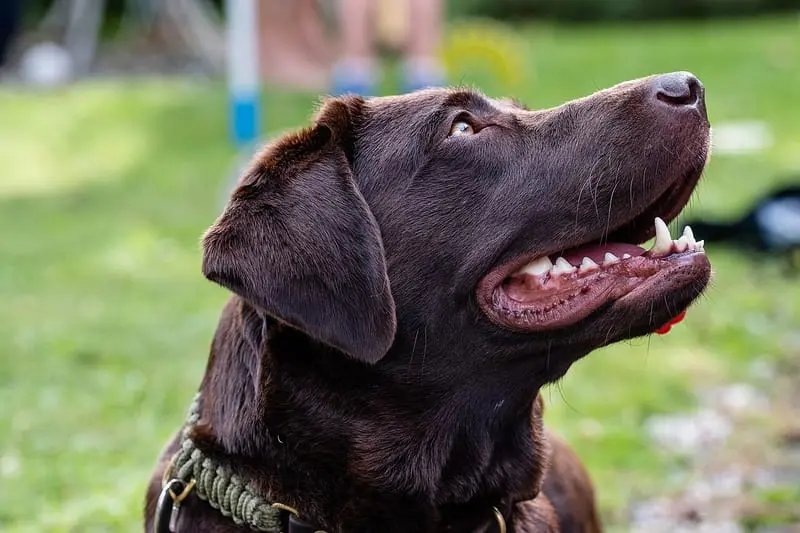
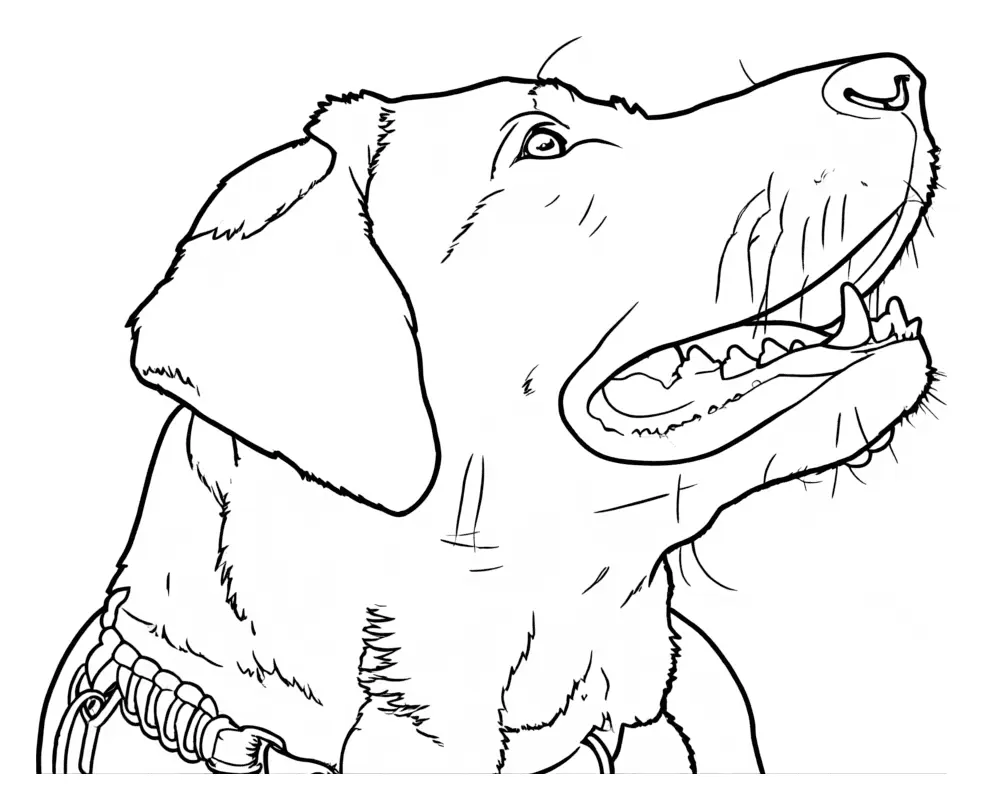
Dog
Photo by Dktue, CC0, Wikimedia Commons
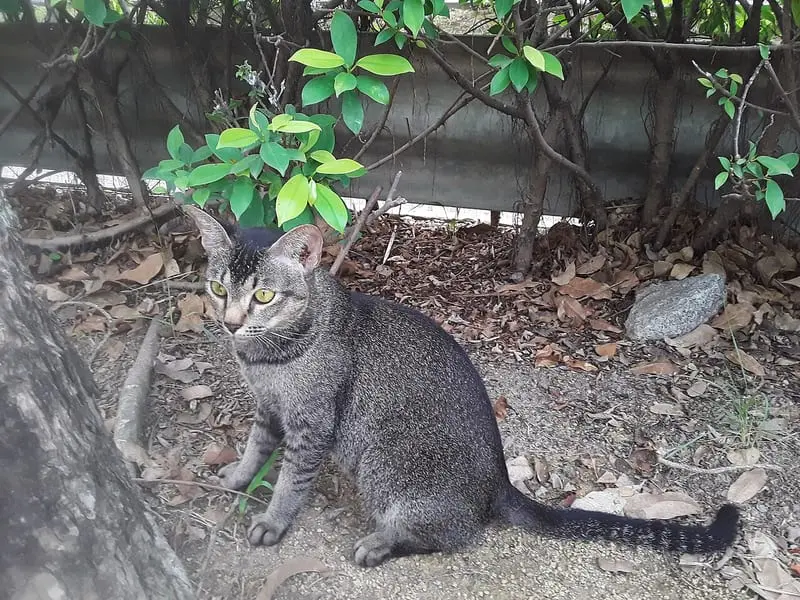
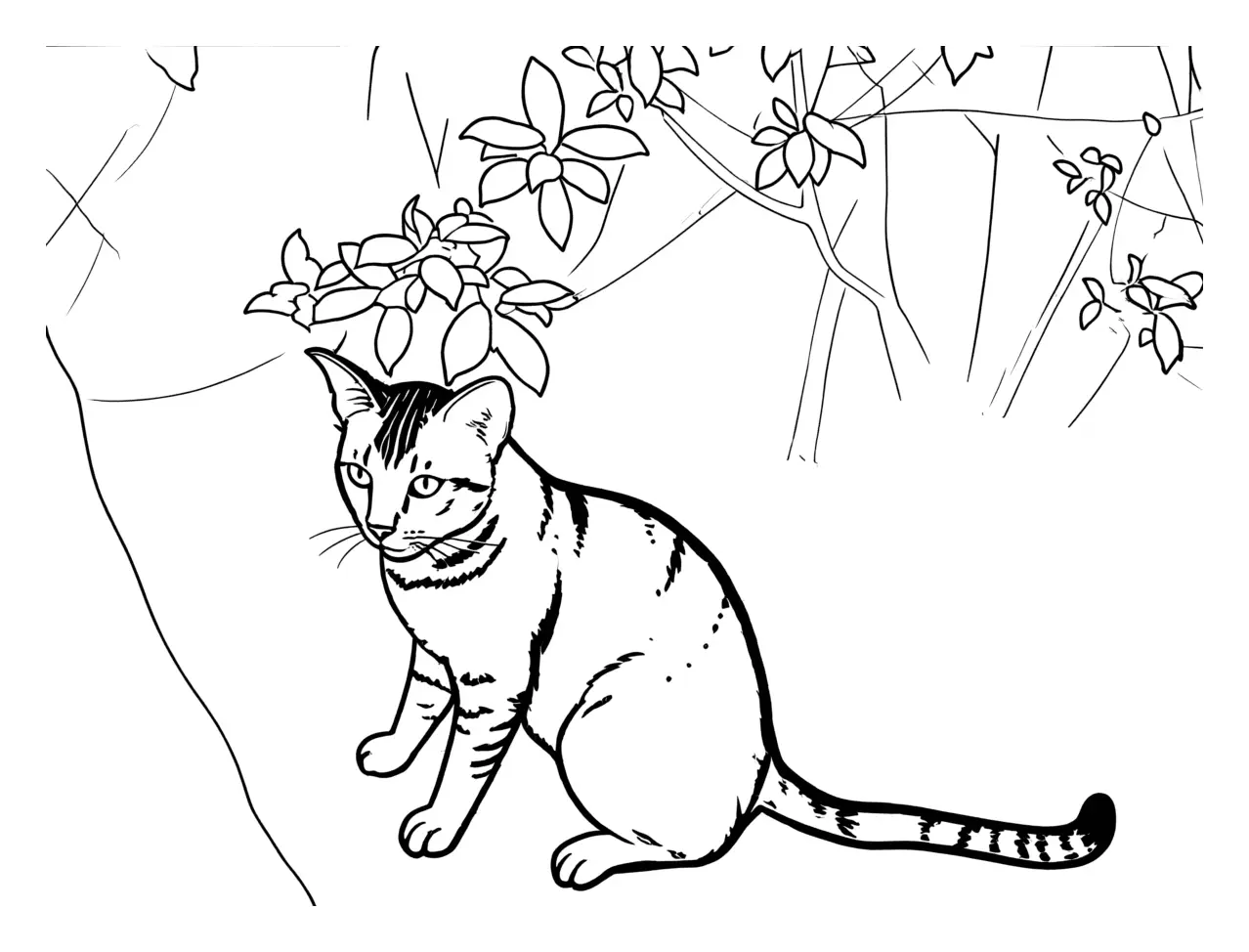
Cat
Photo by Asabae2752, CC0, Wikimedia Commons
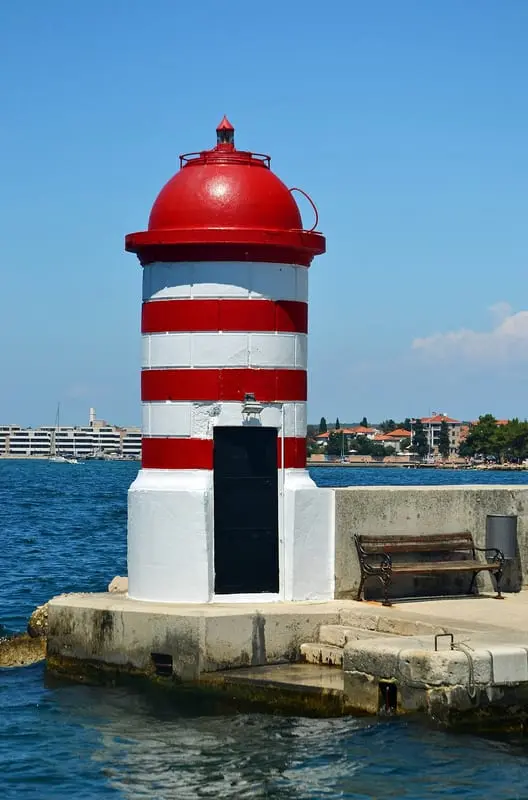
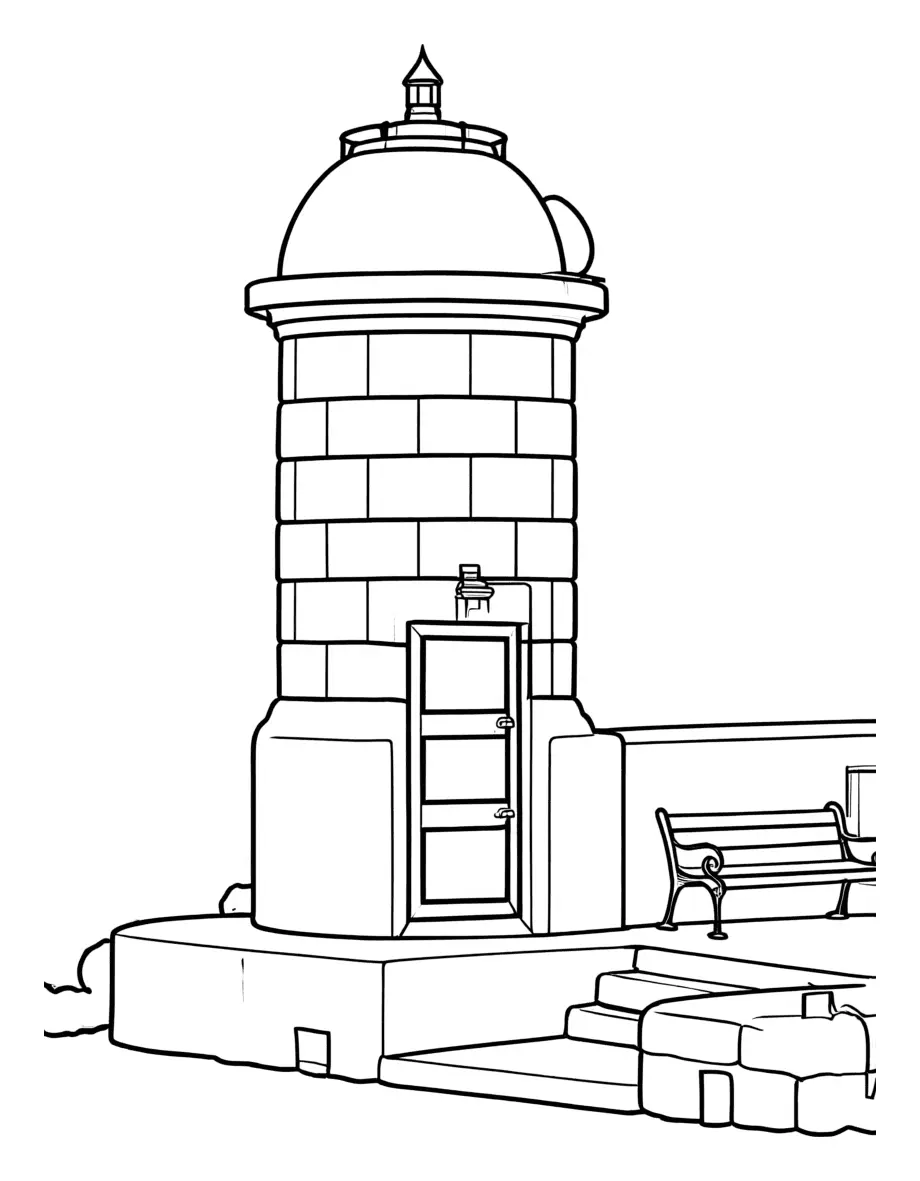
Lighthouse
Photo: CC0, Wikimedia Commons
Tips for the Best Results
Photos that work best
- One person, one pet or one object, filling most of the photo.
- Good light, with the face or subject in focus.
- A plain background. The AI tries to remove it, but less clutter means cleaner lines.
- Busy group photos give busy pages. Crop to the people you want first.
Printing
- Print at actual size (100%) so the margins stay even.
- Black-and-white printing is enough. No color ink needed.
- Use thicker paper or card stock for markers or paint.
- Pick Bold lines for young kids and Thin lines for detailed coloring.
Photo to Coloring Page FAQ
How do I turn a photo into a coloring page?
Sign in, upload a photo and press Make my coloring page. Then pick the line thickness, the size and the paper, and print the page or download it as a PDF or PNG.
Which photos work best?
One person, one pet or one object, close up, in good light. Busy photos give busier pages. Landscapes and buildings work too.
Is it free?
Yes. Every account can make 5 photo coloring pages a day for free. Every other page on CrayPrint is free to print without an account.
Why do I need to sign in?
Each photo page costs us money to make, so we count the free pages per account. Printing never needs an account.
Do you store my photo?
No. Your photo goes to a third-party AI service that draws the line art. We don't store the photo or the finished page.
Which paper sizes can I print on?
US Letter or A4, upright or in landscape. The page fills the paper inside a half-inch margin, and you can make it smaller.
Why was my photo refused?
The AI service checks every photo and every page, and refuses images that aren't suitable. A refused photo doesn't count toward your daily pages.
Can I use the pages in my classroom?
Yes, at home, in a classroom or at a party. Use your own photos, or photos you have the right to use.