CLASSROOM ACTIVITIES
Name Coloring Activities for the Classroom
By CrayPrint · Published
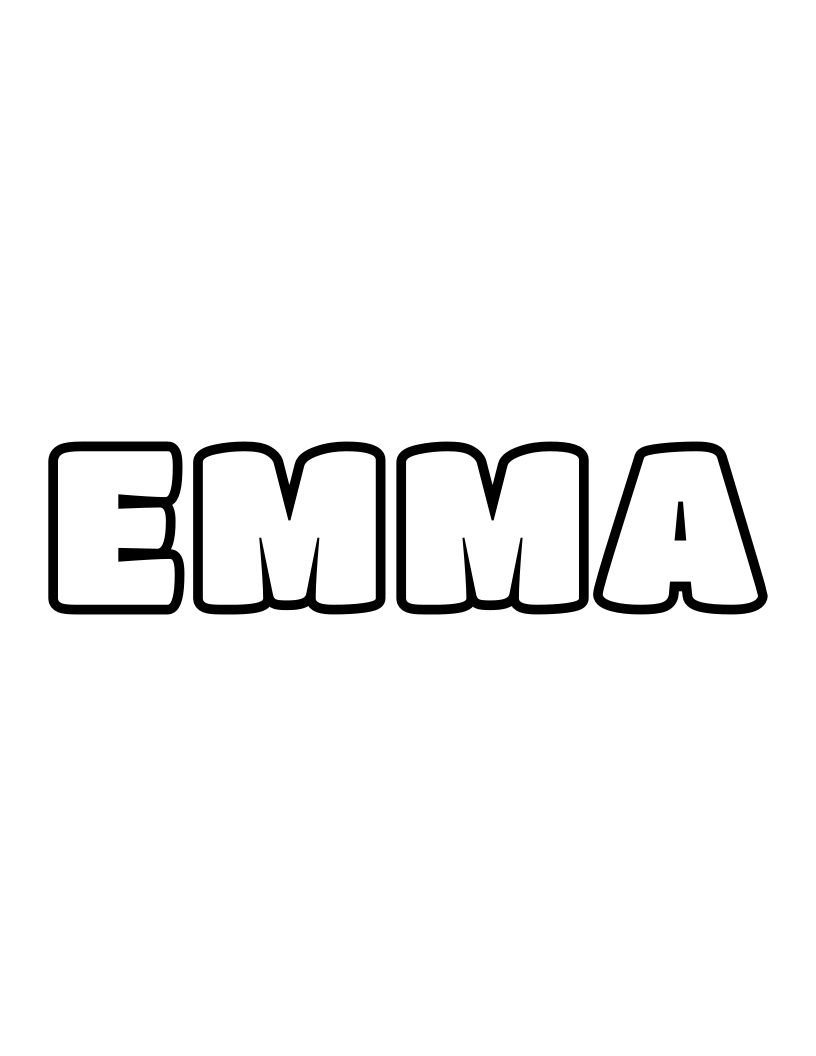
Use a name coloring page as the starting point for a table sign, a first-letter sorting activity or a classroom display. Prepare one page per child, then choose one activity for the group. The worked example below uses Emma, Ethan and Liam so you can see how the sorting activity is arranged before trying it with your own class.
Use the demonstration layout to check the grouping before preparing pages for your own class.
Prepare a page for each child
You need printed name pages, crayons or colored pencils, and a clear table or display area. For sorting, also write each starting letter on a separate piece of paper. No cutting or glue is needed for the activities below.
Open the name generator for your class. It can create a single PDF containing up to 40 names, with one page per name.
- Choose Bubble under Letter style for capital outline letters.
- Select None under Decorations if you want to focus on the names.
- Match Paper size to your paper: US Letter or A4.
- Keep Portrait selected under Orientation.
- Open A page for every name in your class.
- Enter one name per line in Class list.
- Select the Download class PDF button and check every name before printing.
For the demonstration, enter Emma, Ethan and Liam on separate lines.
The button should read Download class PDF (3 pages).
The downloaded file is called class-name-coloring-pages.pdf.
The generator accepts up to 12 letters per name, using A–Z. It does not support spaces, hyphens or accented letters. If a child's name cannot be entered correctly, use a blank sheet and write the correct name by hand rather than changing its spelling for the activity. For more than 40 names, prepare separate PDFs.
You can also browse ready-made name coloring pages for individual names. For paper settings and clipped edges, use the A4 and US Letter printing guide.
Make a table sign
Give each child their own page and ask them to check the name before coloring. Keep a correctly written name available for anyone who wants help finding their page.
- Ask each child to choose a color for the first letter.
- Invite them to use different colors or patterns for the other letters.
- Place each finished page flat at its owner's place on the table.
- Let children introduce their page by saying their name and pointing to its first letter.
A child can point instead of speaking to the group. The result is a set of individual table signs; there is no required color scheme and no need to rank the pages.
Sort a three-name example
Place an E label and an L label on the table. Use the three sample pages to show the rule before handing over the class's pages.
- Point to the first letter of EMMA.
- Place EMMA beside the E label.
- Compare ETHAN's first letter with the two labels and place it beside EMMA.
- Put LIAM beside the L label.
- Ask what is the same about the first letters in each group.
Emma

Ethan

Liam
The rule uses the first written letter, not the first sound or the length of the name. In this example, EMMA and ETHAN go together even though the names have different numbers of letters. If every child in a small group has a different first letter, use the demonstration names first, then create one label for each letter you need.
For another round, ask children to count the letters in their own name. Keep that as a separate activity so the grouping rule stays clear.
Arrange a classroom name display
Use the colored pages as a display that children help arrange. Choose a grouping rule first: starting letter, table group or an order the class agrees on.
- Lay the pages out before attaching them to a display surface.
- Ask each child to find their own page.
- Check that every child has a place in the arrangement.
- Add a handwritten heading, such as Our Class Names.
- Invite children to explain one color or pattern they chose.
Keep the display within the classroom unless you have the appropriate permission to share children's names or work elsewhere. If a child does not want their page displayed, let them keep it in their folder.
Finish with a quick check
Ask each child to find their name and its first letter. For the sorting activity, check the position of each page against the chosen letter label.
Print only the copies you need for the chosen activity. CrayPrint pages can be used in a classroom under the terms of service. For another session, browse the coloring guides and activities or make your own coloring pages.